How to Automate Patient Scheduling with Link + Google Calendar
The End of Manual Medical Scheduling
For medical clinics and healthcare providers, managing patient appointments is traditionally a time-consuming, manual process. Phone calls, emails, and back-and-forth WhatsApp messages eat up hours of administrative time that could be better spent on patient care.
With Link, you can fully automate this process using our built-in Google Calendar integration.
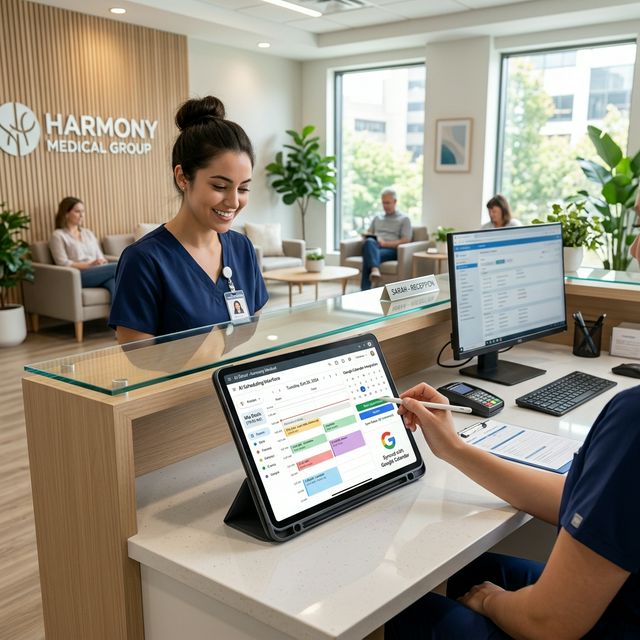
How It Works
Link's AI Agent sits directly in your communication channels (WhatsApp, Web Chat, Instagram, etc.) and acts as your 24/7 virtual receptionist.
- Patient Requests an Appointment: A patient texts your clinic: "I need to see Dr. Smith tomorrow afternoon."
- AI Checks Availability: Link automatically checks your connected Google Calendar in real-time.
- AI Proposes Times: The agent responds conversationaly with available slots.
- Booking & Confirmation: Once the patient selects a time, Link creates the event in Google Calendar and sends a confirmation to the patient.
Setting Up the Integration
Getting started is simple, thanks to our Marketplace Seeder integrations. In your Link dashboard:
- Navigate to the Integrations tab.
- Select Google Calendar from the Productivity category.
- Authenticate with your Google account (OAuth).
- Select the specific calendar you want the agent to manage.
Once connected, your AI Agent gains access to two powerful tools:
- `list-events`: To check your availability on the fly.
- `create-event`: To secure the appointment natively within the chat stream.
Why Automation Matters
Medical practices using Link see an average of a 40% reduction in administrative overhead within the first month. Patients appreciate the instant responses and 24/7 booking capability, leading to fewer no-shows and higher patient satisfaction.
Stop letting scheduling bottlenecks slow down your practice. Give your patients the modern, seamless booking experience they expect with Link and Google Calendar.